
Tutorials
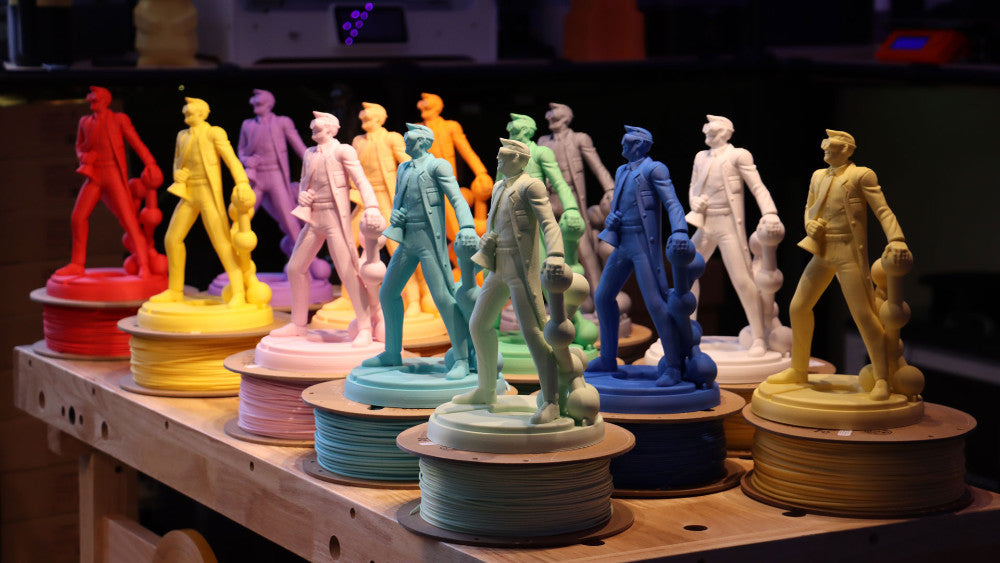
Understanding 3D Printer Filament
All 3D printers sold by InkSmith (and most filament-based printers on the market) are designed to work best with PLA or PLA+ filaments, which are considered ideal print material for several reasons: 1. Mechanical properties PLA (or Polylactic Acid) has excellent 'printability'...
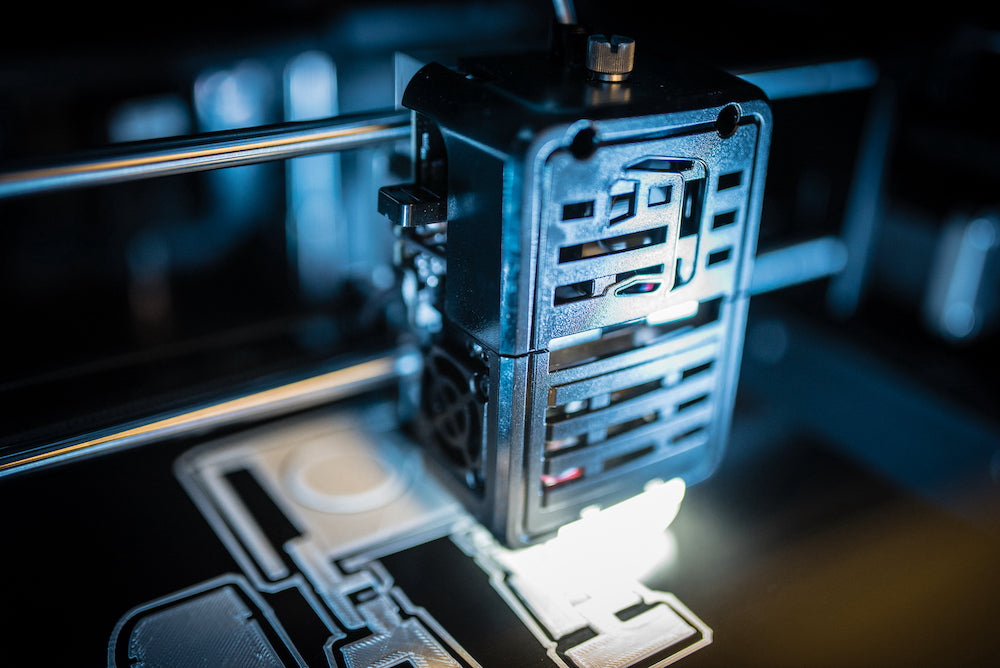
Using Your 3D Printer After a Break
Returning to school after a long break, like summer vacation or March break, means that your 3D printer has been sitting unused for awhile. While your 3D printer is still functional, it does require a few maintenance tasks to bring...
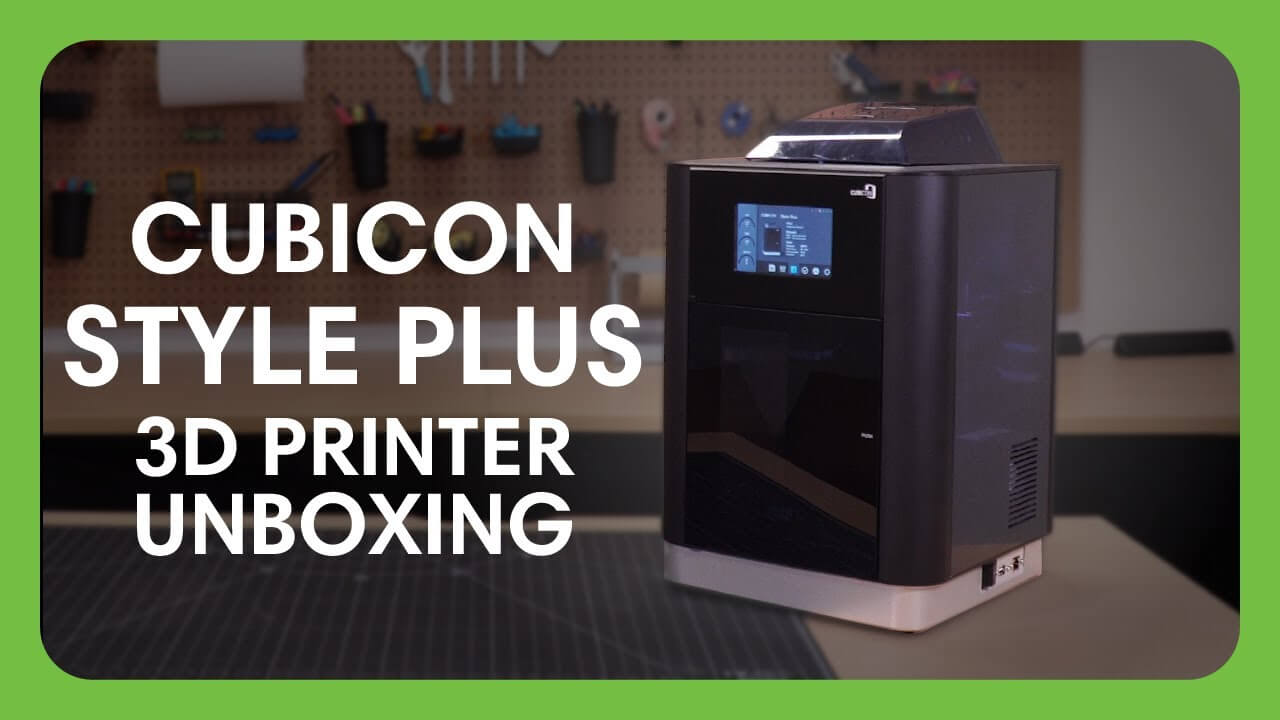
Unboxing the Cubicon Style Plus 3D Printer
Once you've received your new Cubicon Style Plus 3D printer you can get ready to unbox and set up your new machine! Follow the steps and videos below to ensure your new printer is set up for success. Want more info...
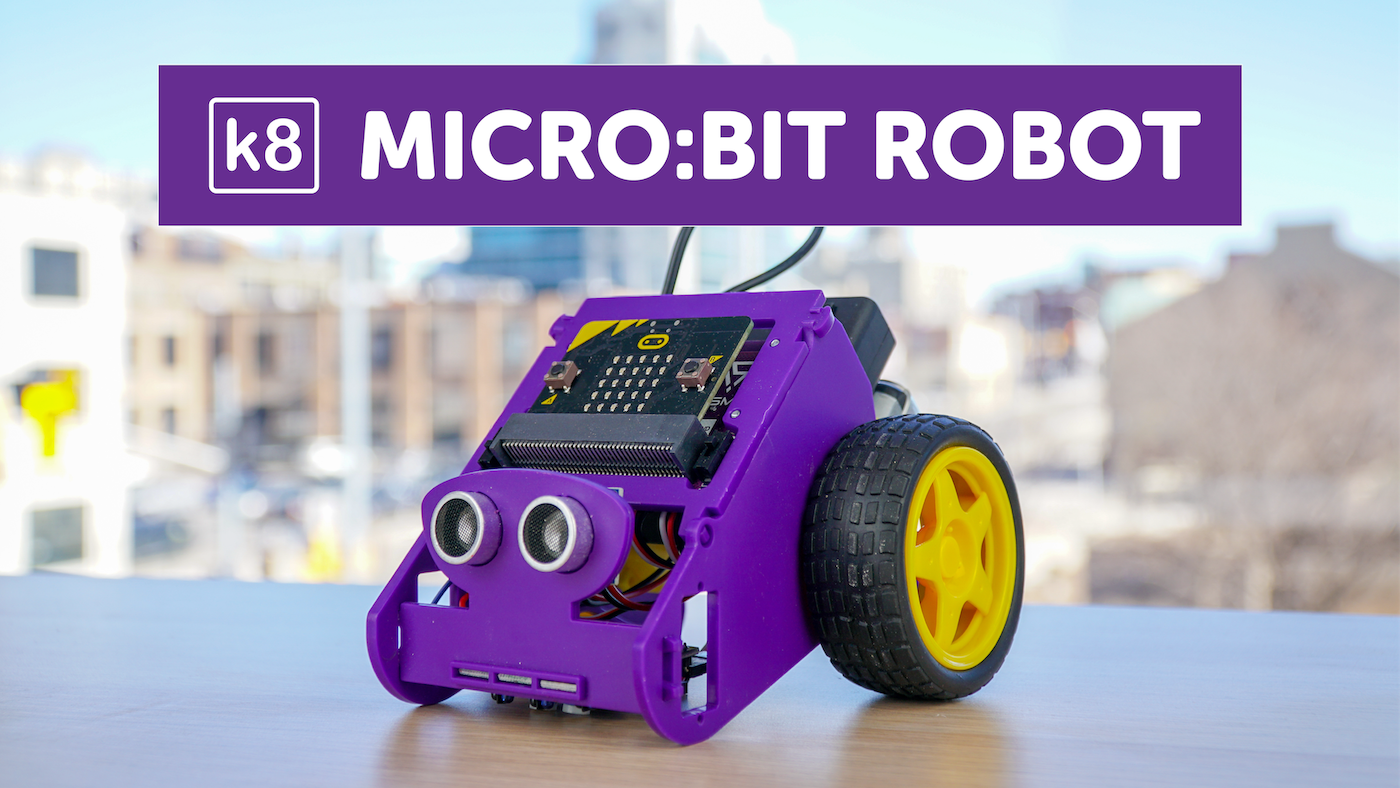
Once you've received your k8 robot you'll need to assemble it! After you've assembled your robot you can head over to our Teachable platform and enroll in our coding courses to start programming your robot using a micro:bit.
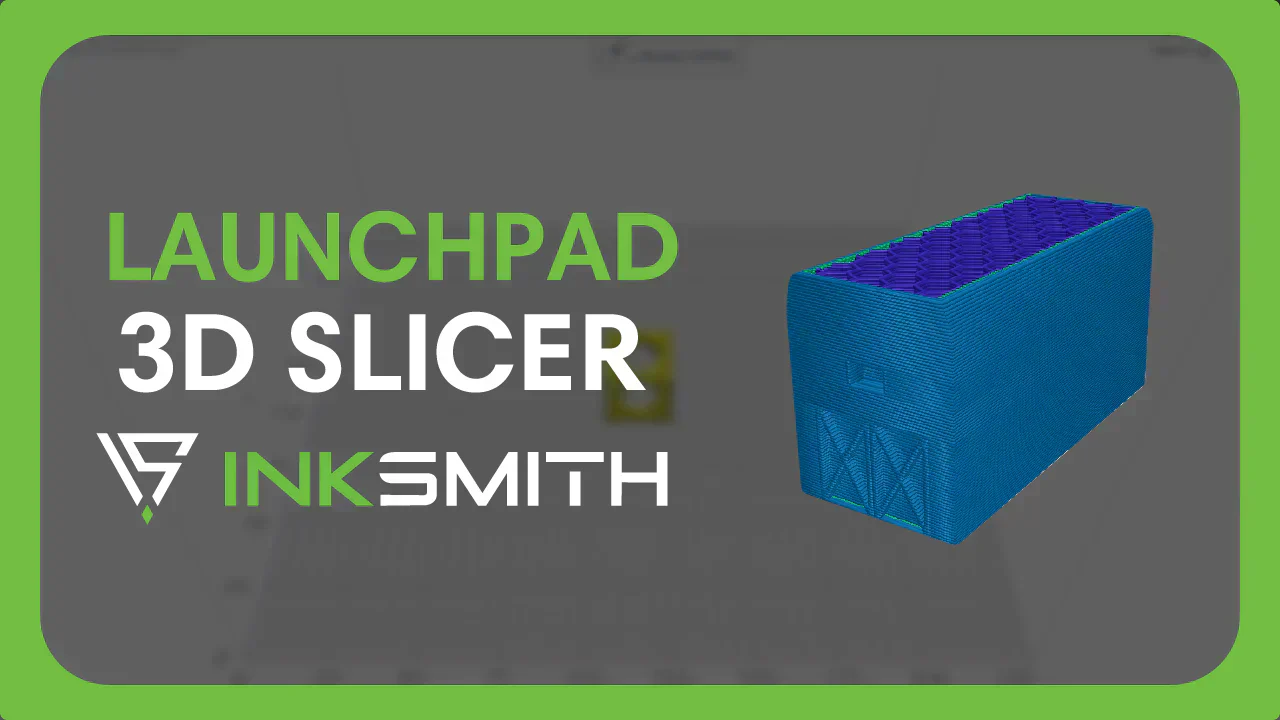
Launchpad 3D Slicing Software Tutorial
What is Launchpad? The Launchpad 3D slicing software is a web-based platform which can easily be accessed through a browser on internet-connected Chromebooks, Windows, and Mac devices. This simple, easy-to-use software has all the essential controls you need for creating...
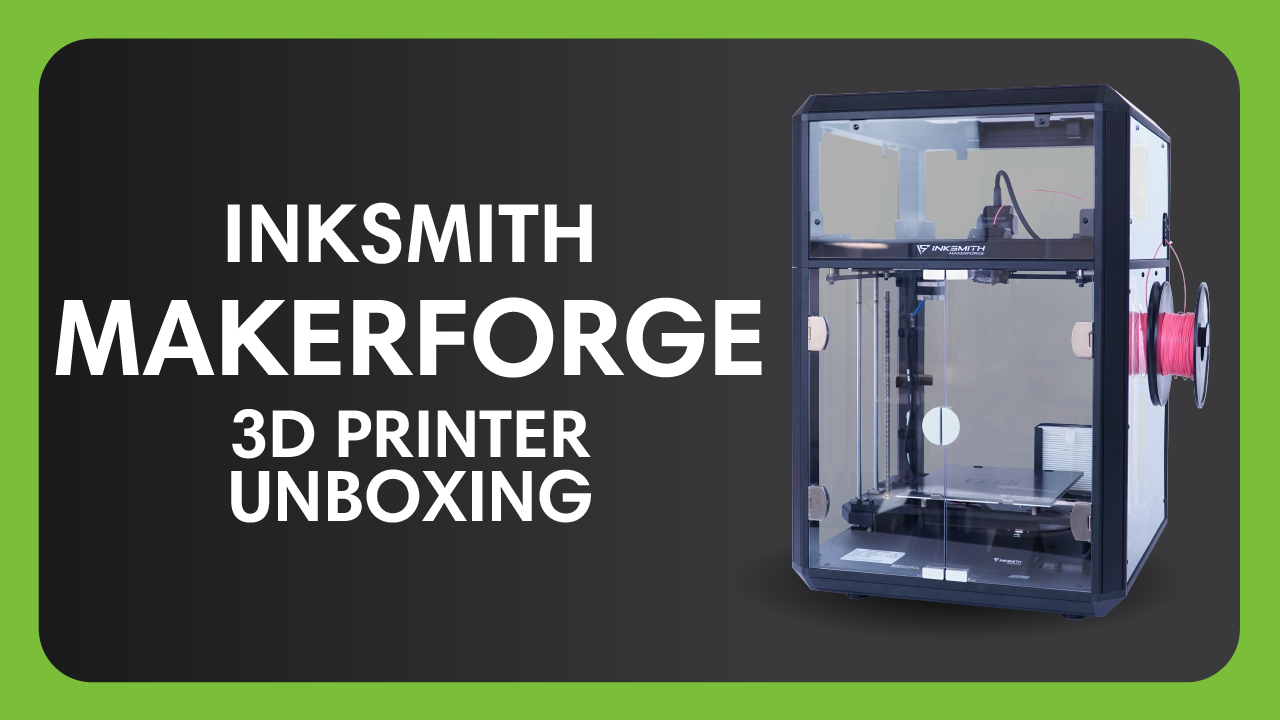
Unboxing the InkSmith Makerforge 3D Printer
Once you've received your new InkSmith Makerforge 3D printer you can get ready to unbox and set up your new machine! Follow the steps and videos below to ensure your new printer is set up for success. Want more info...
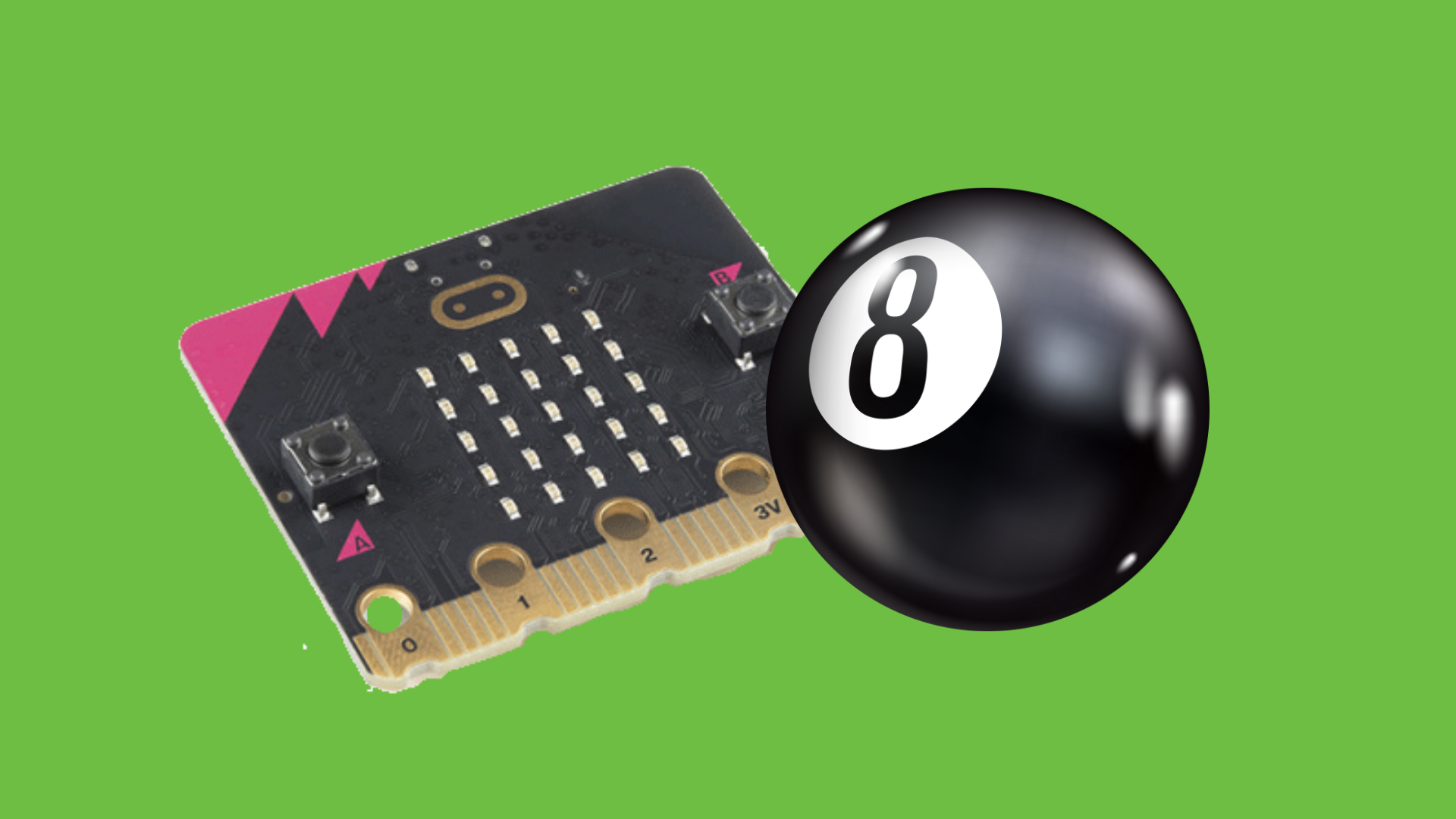
micro:bit Coding Intro Activity: Magic 8 Ball
What is micro:bit? Since its inception in 2016, micro:bit has reached the hands of almost 5 million users in over 50 countries! In our opinion, it's arguably one of the best tools to teach beginners code. In simple terms, the...
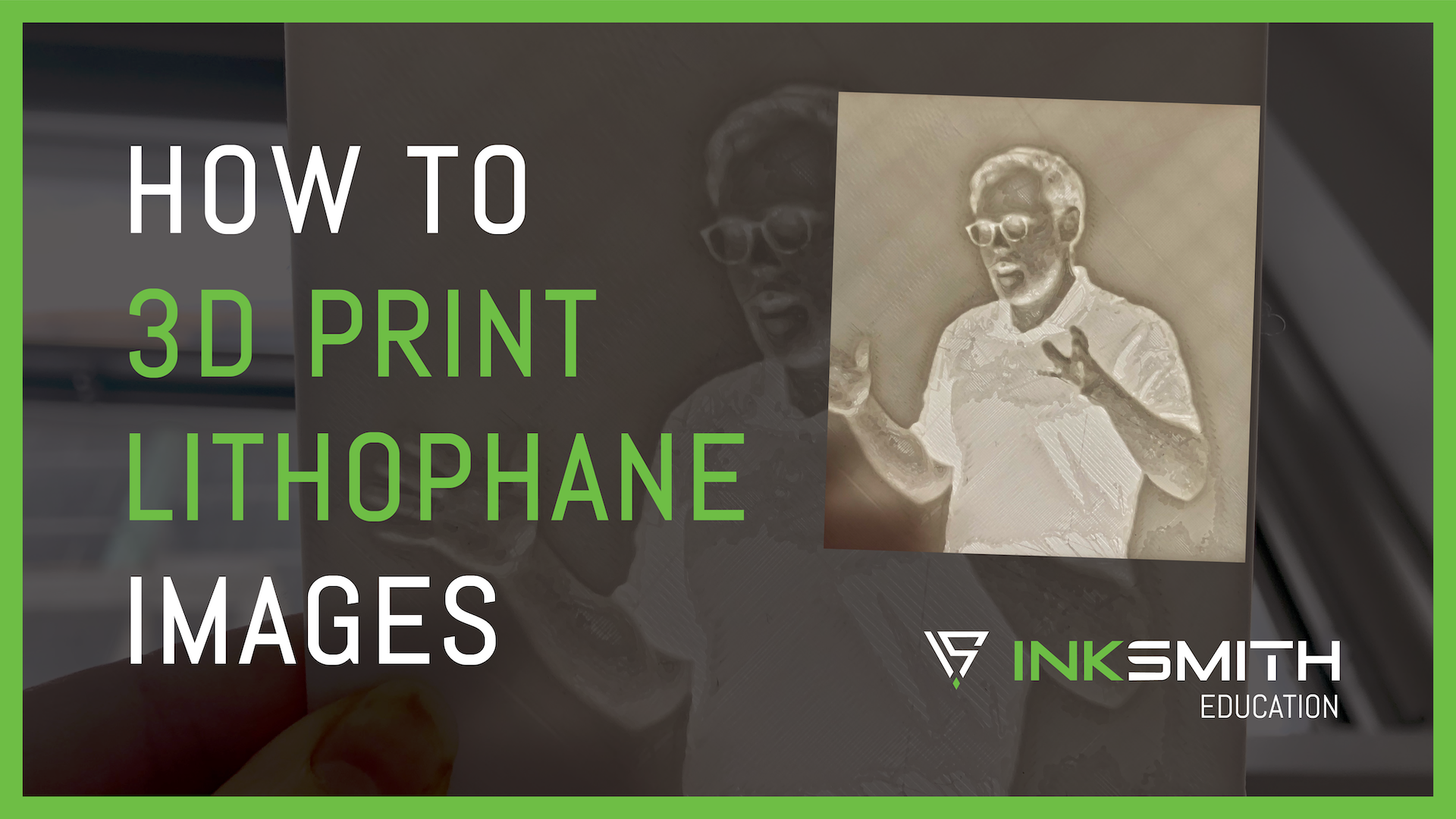
How to 3D Print Lithophane Images
3D printing your own lithophane images is a super cool way to personalize and add another dimension to your 3D printing projects. While the end result may look complex, the process for creating lithophane print files is actually pretty simple.

Performing basic maintenance on your 3D printer will help to ensure everything stays running smoothly and prevent unwanted errors during printing. Follow the steps below to keep your 3D printer running in tip-top shape! 1. Clean the Nozzle Keeping your nozzle...