
Tutorials
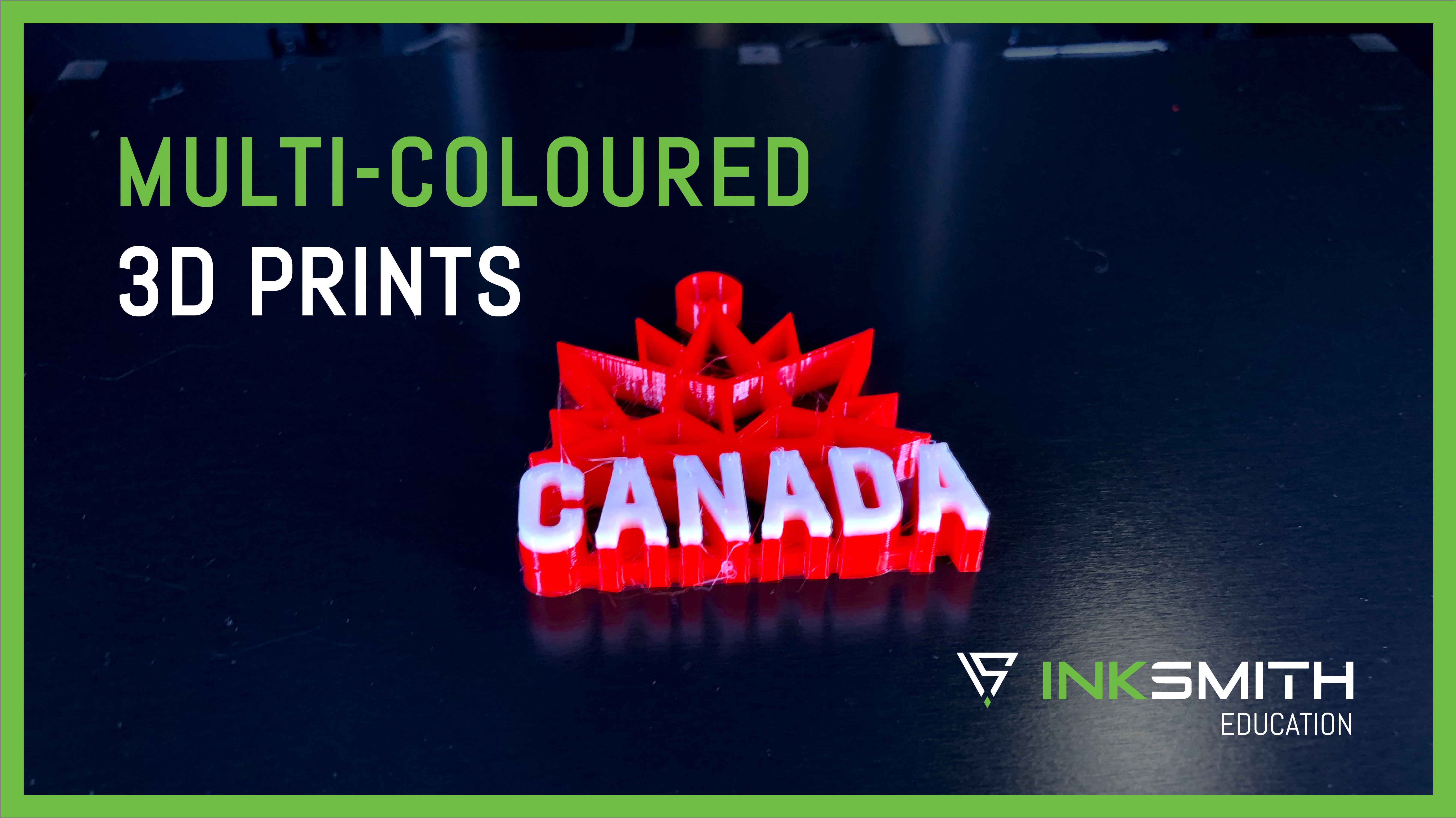
How to Create Multi-Coloured 3D Prints
Creating multi-coloured prints is a cool way to add a whole new level of appeal and sophistication to your 3D printed objects. And believe it or not, creating these multi-coloured prints is not as hard as you probably thought it...
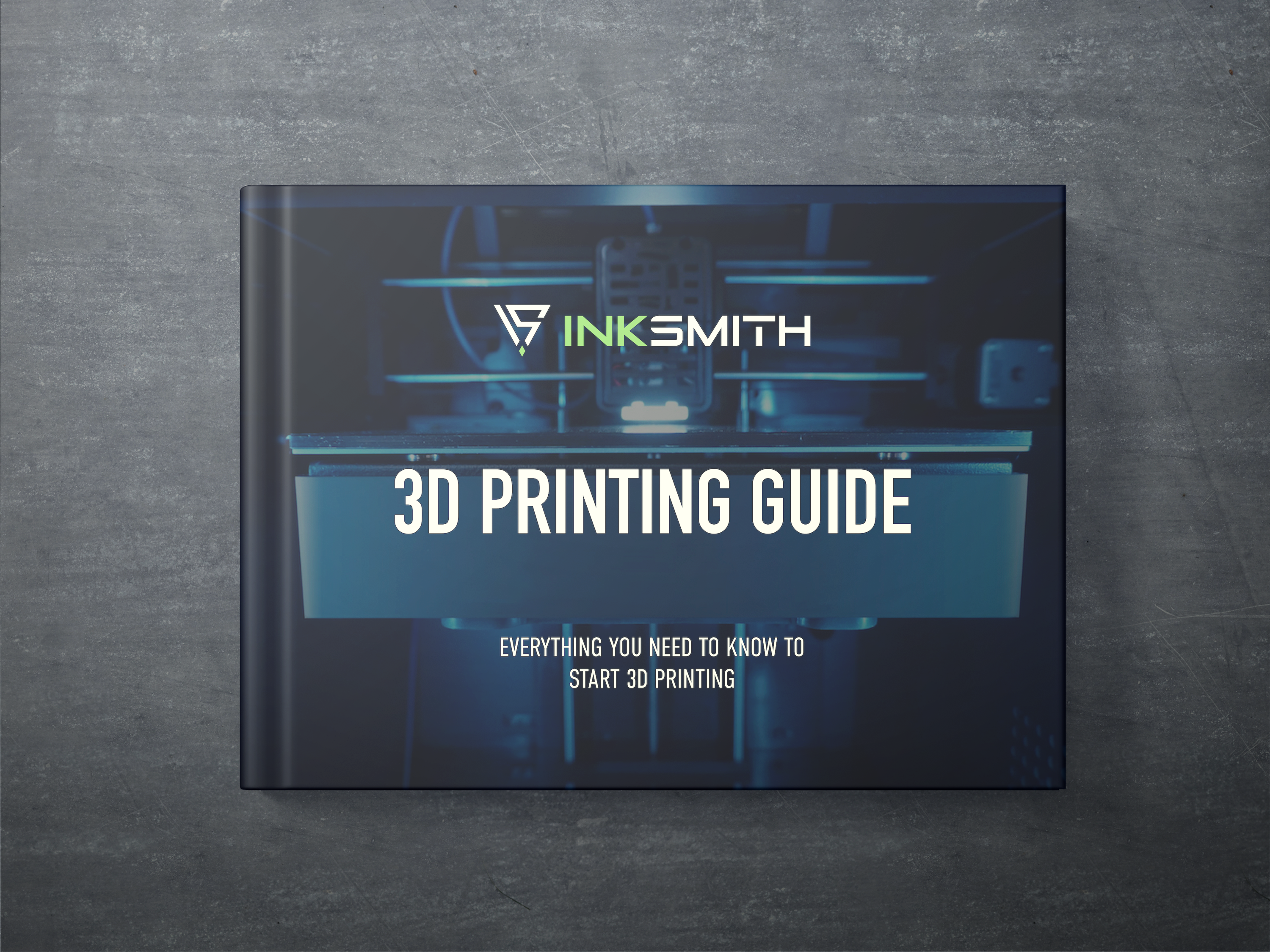
This PDF guide covers everything you need to know to start 3D printing! Get up-to-date on all the terminology and learn about important steps to keep in mind when 3D printing. Keep this resource for yourself or use it to introduce 3D printing to your students.
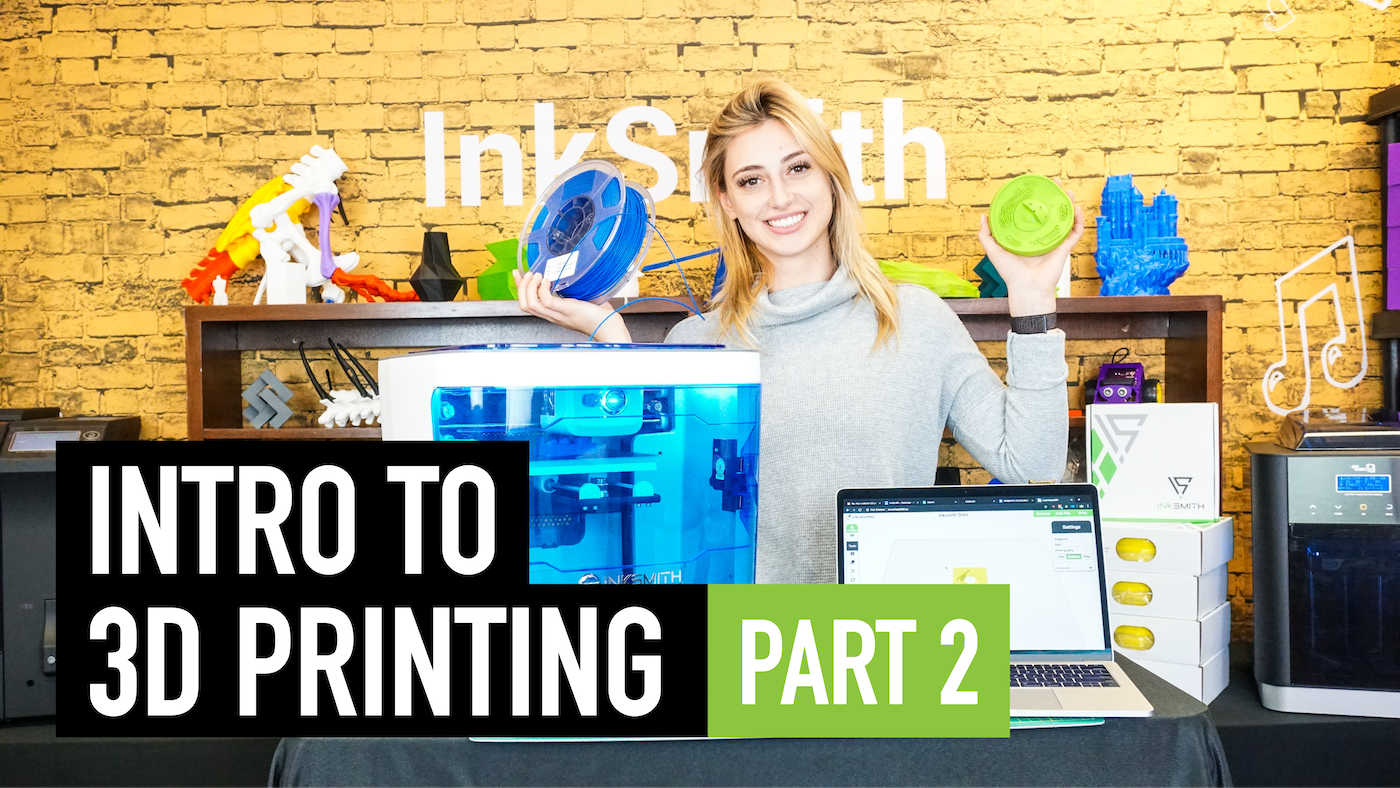
Introduction to 3D Printing: How to actually print!
There are three main steps to the 3D printing process: CAD model, slice, and print. We're going to talk about each of those steps and break them down in this video.
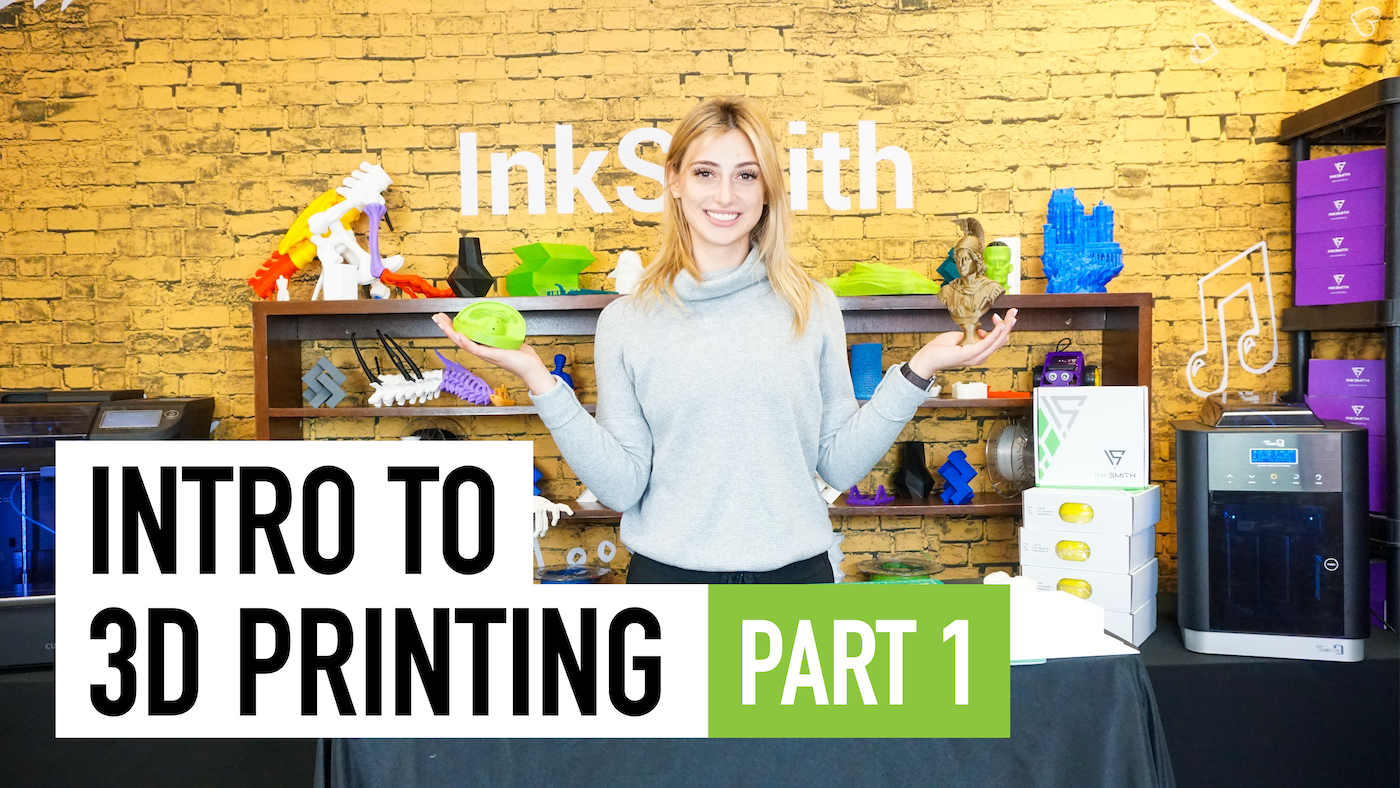
Introduction to 3D Printing: What is 3D Printing?
If you've never 3D printed anything for or you want to introduce 3D printing to your students, check out this tutorial video!
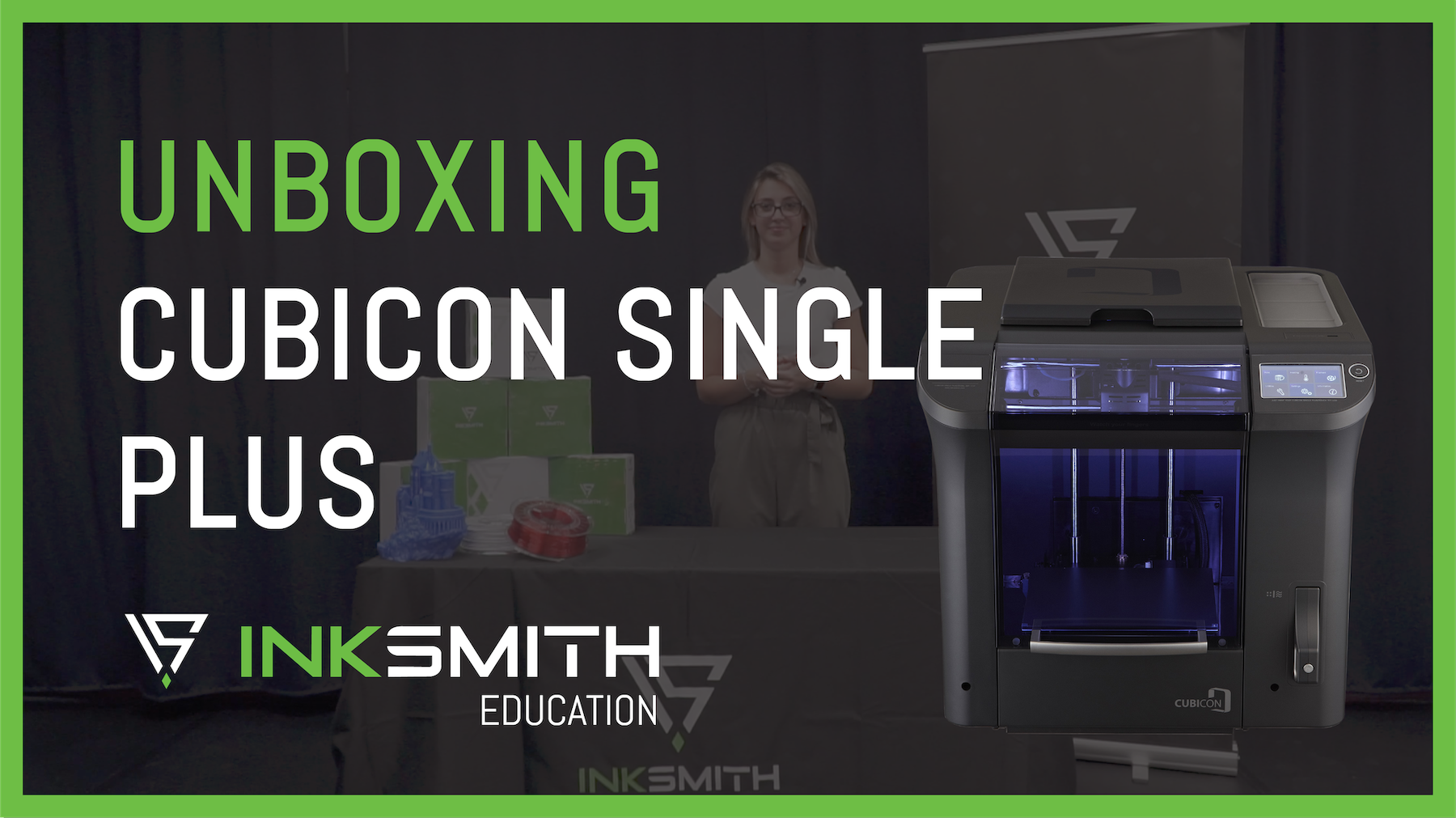
Unboxing the Cubicon Single Plus 3D Printer
Once you've received your Cubicon Style 3D printer you can get ready to unbox and set up your new machine! Follow the steps and videos below to ensure your printer is set up correctly.
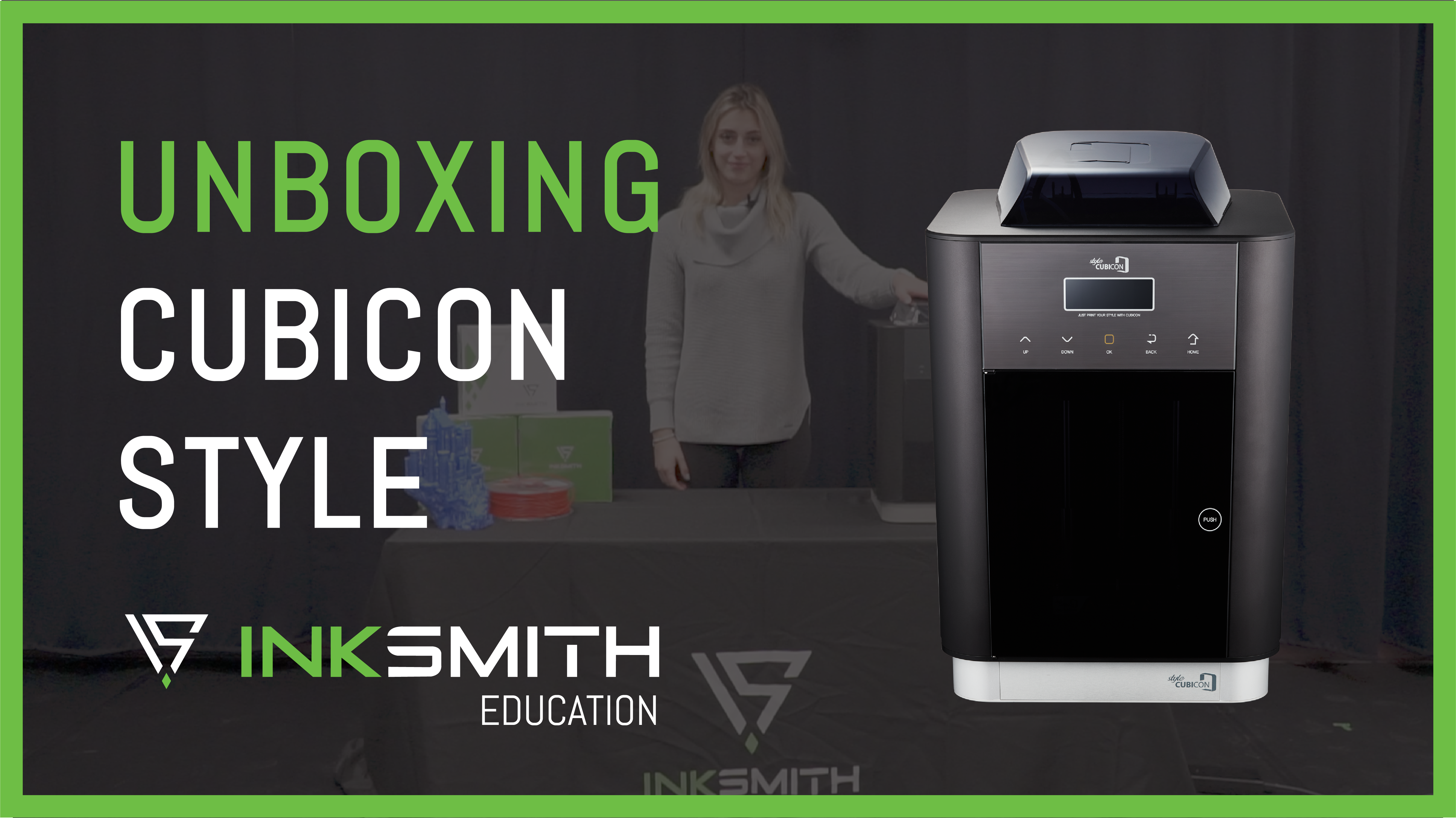
Unboxing the Cubicon Style 3D Printer
Once you've received your Cubicon Style 3D printer you can get ready to unbox and set up your new machine! Follow the steps and videos below to ensure your printer is set up correctly.
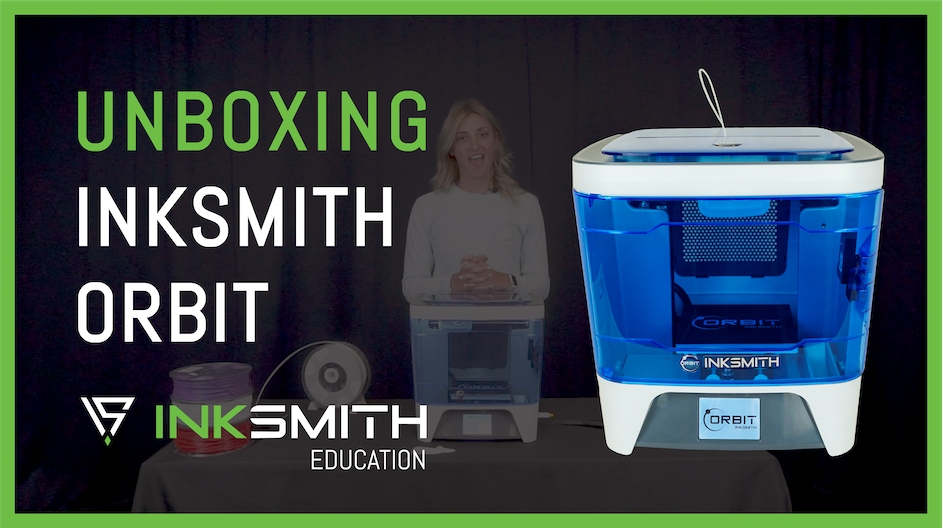
Unboxing the InkSmith Orbit 3D Printer
Once you've received your Orbit 3D printer you can get ready to unbox and set up your new machine! Follow the steps and videos below to ensure your printer is set up correctly.